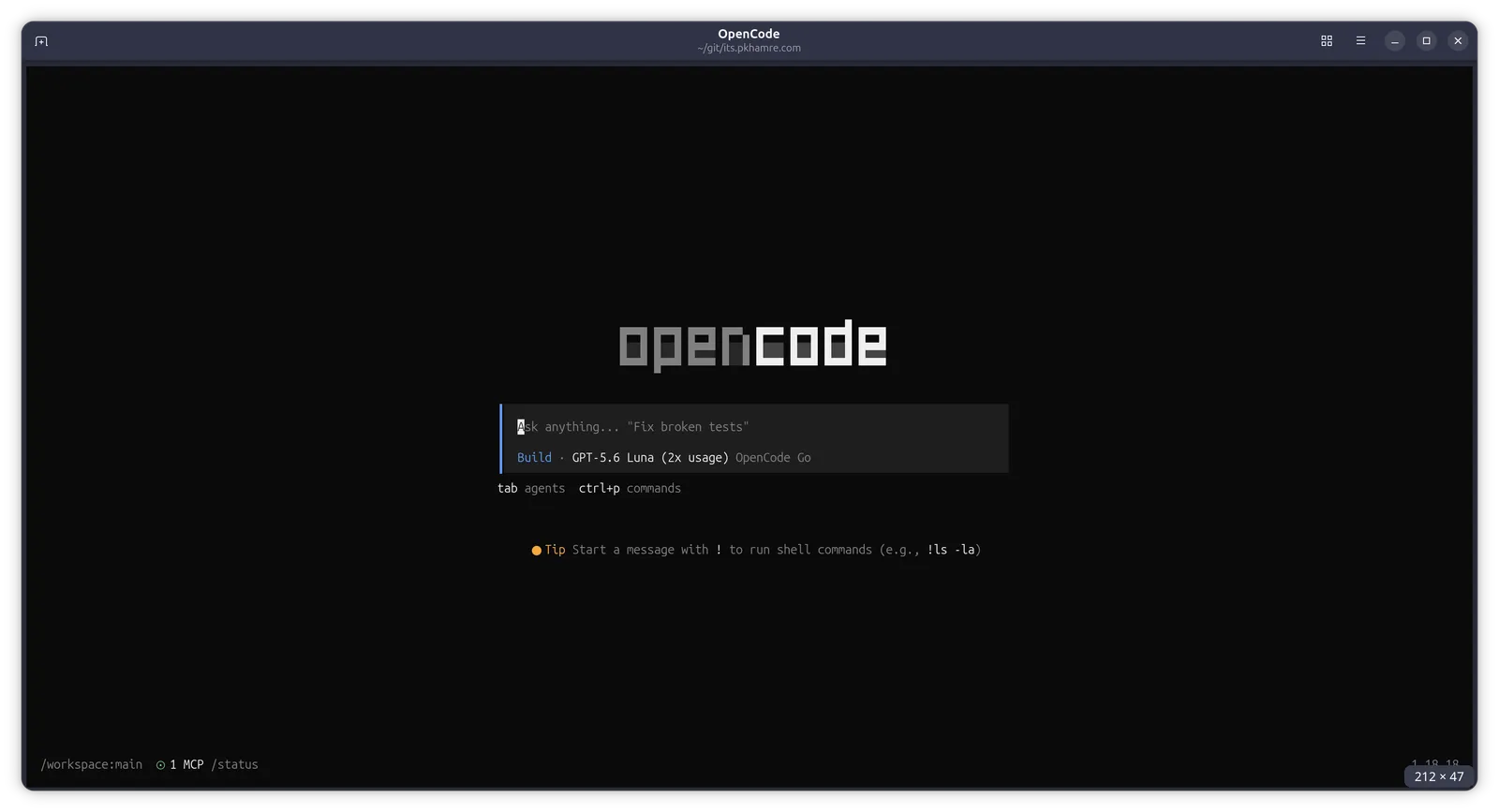
opencode-docker: Running AI Coding Agents Without Giving Them the Keys to the House
AI coding agents write code and run it. That’s the selling point, and it’s exactly why I won’t let one run loose on my main machine. I don’t want my API keys in shell history or my filesystem open to whatever the agent decides to touch, and root-equivalent permissions “just in case” were never on the table.
That tension is what pushed me to build opencode-docker: a locked-down Docker environment for running the OpenCode CLI in isolation instead of on the host.
Why I won’t run agents on the host
Coding agents need to run commands, edit files, and sometimes reach the network. Hand it all of that unrestricted on your laptop and one bad prompt, or one compromised dependency, can do real damage. Even a plain bug in the agent becomes a liability. I wanted the convenience of an agentic CLI without handing it the same trust I’d give myself.
Docker alone doesn’t fix this. A stock container still has a writable root filesystem, a full set of Linux capabilities, and no real ceiling on privilege escalation. So the project was never “run it in a container.” It’s “run it in a container configured like you don’t trust it.”
What’s actually locked down
Each layer below is boring on its own; together they make a sandbox that’s genuinely hard to climb out of.
- Distroless runtime: no shell, no package manager in the final image
- Read-only root filesystem: only
/tmp(tmpfs) and explicitly mounted volumes are writable - All capabilities dropped (
--cap-drop=ALL), least privilege rather than “trust me” - No privilege escalation (
--security-opt=no-new-privileges), which blocks setuid/setgid exploits - Non-root user: runs as UID 1000 by default
- Resource limits: memory and CPU capped, so a runaway process can’t take down the host
- File-based secrets: API keys mounted read-only at
/run/secrets, never baked into the image or passed on the command line
That last point mattered most to me. Passing API keys as docker run -e ANTHROPIC_API_KEY=... leaves them in your shell history and process list. Instead the keys live as plain files on the host (~/.opencode-docker/secrets/), and a small bootstrap script reads them at container start and exports them as environment variables. They never touch the image layers, and they never touch the command line.
Getting started
# Build the image
make build-latest

# Run with the wrapper script
bin/opencode-docker -e -w
The wrapper script (bin/opencode-docker) is what you’ll use day-to-day. It persists sessions, cache, and settings to ~/.opencode-docker/, mounts your current directory as the workspace, and passes through OpenCode’s own flags and subcommands, so opencode-docker -s <session-id> and opencode-docker run "fix the login bug" behave exactly like the raw CLI.
I’ve been using opencode-docker together with my OpenCode Go subscription, which gives me access to a whole. Sign up to OpenCode Go using this link and we both get $5 credit opencode.ai/go?ref=SDNR0CAVR5
The project is open source: github.com/pkhamre/opencode-docker. If you run AI coding agents locally, I’d genuinely rather you steal this setup than run one unsandboxed.